End-to-End MVP in 2.5 months
Stage
Scratch to MVP
Year
2025
Duration
2.5 months
Platform
Web
Imagine you’ve just bought a $200 bottle of wine and want to know what makes it better than the $3 one. And you’d love to drop a few smart lines about it at a dinner party 😄
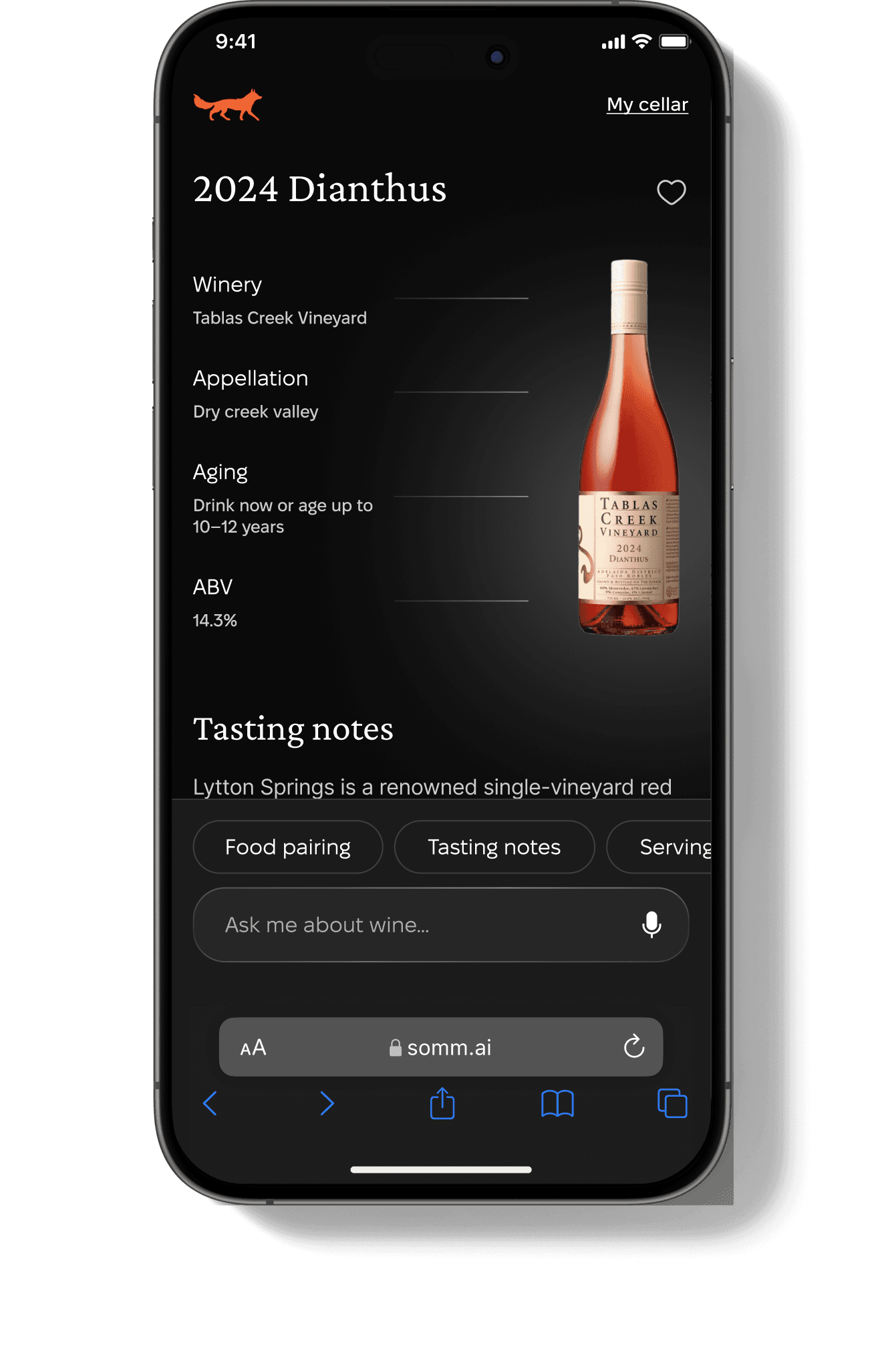
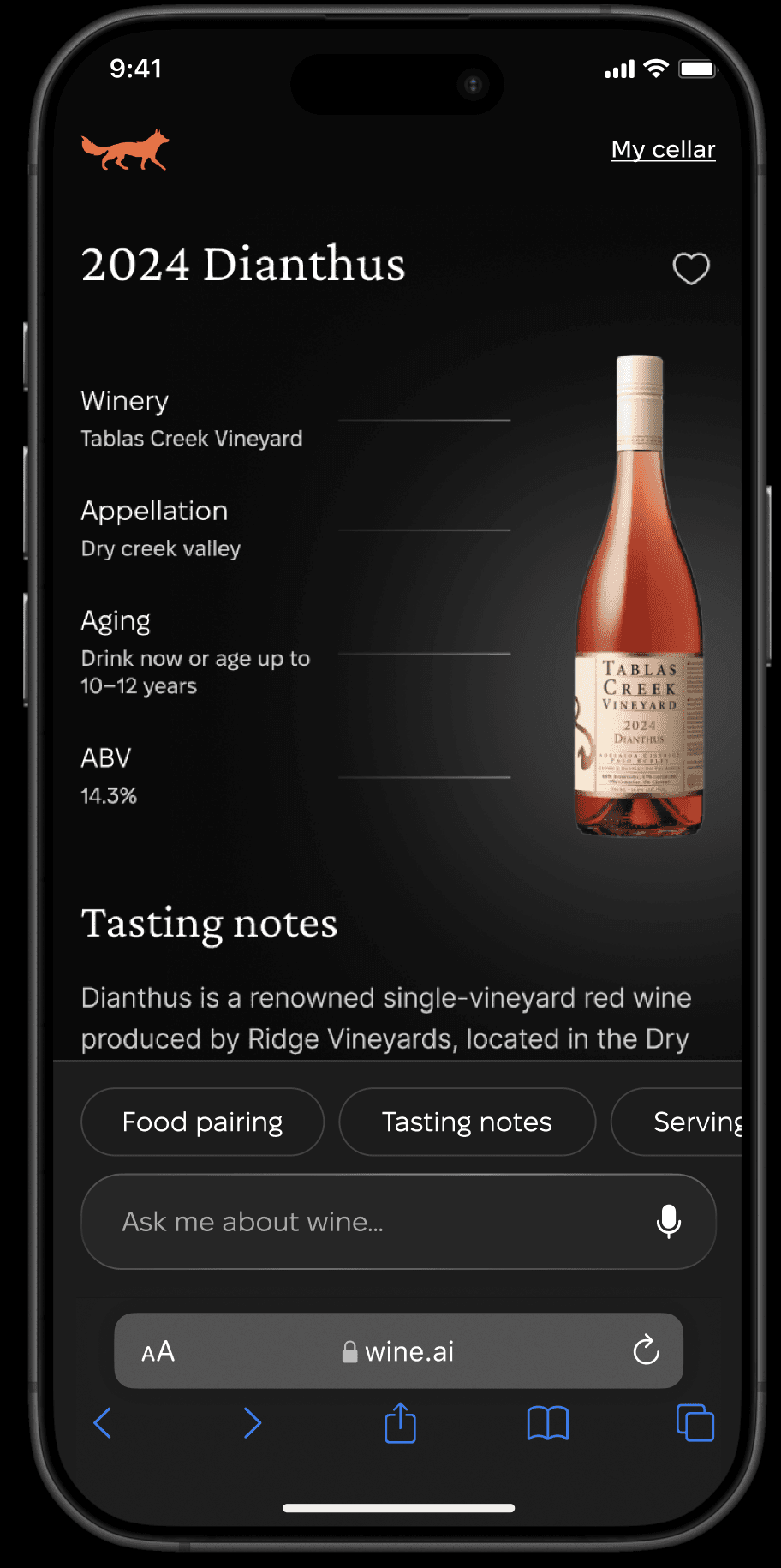
That’s exactly why we created AI Sommelier — your personal pocket wine expert. Just scan the QR code on the bottle, and AI will reveal its flavor notes, perfect food pairings, and even a few fun facts about the winery.
Business goal
Our goal was to boost customer loyalty and drive repeat purchases.
We needed to move fast, so I was preparing an MVP to pitch to wineries.
How to achieve the goal
We have a couple of options: to get the AI assistant when you got the parcel with wine at home, to scan QR-code in winery, or to scan the bottle itself in winery to start talking with AI assistant.
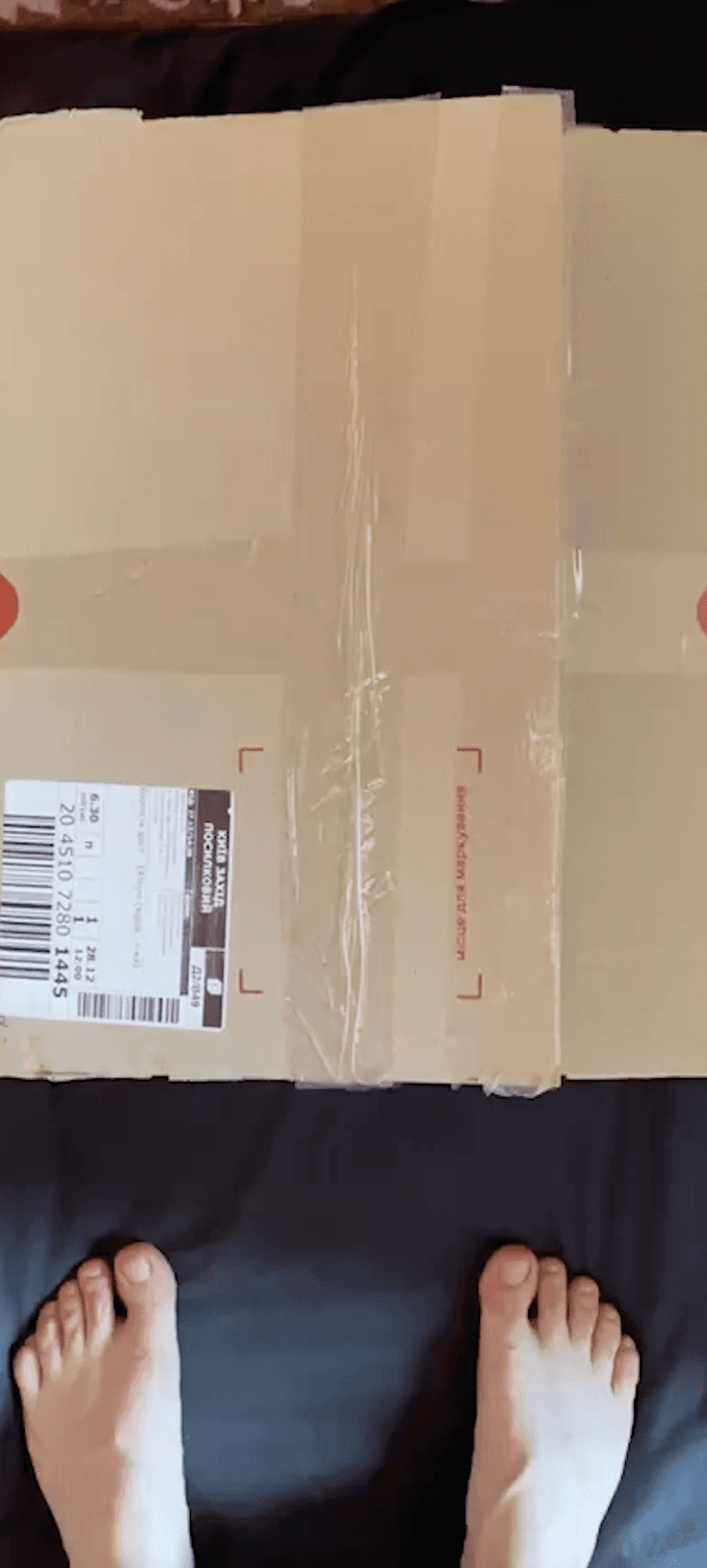
In parcel
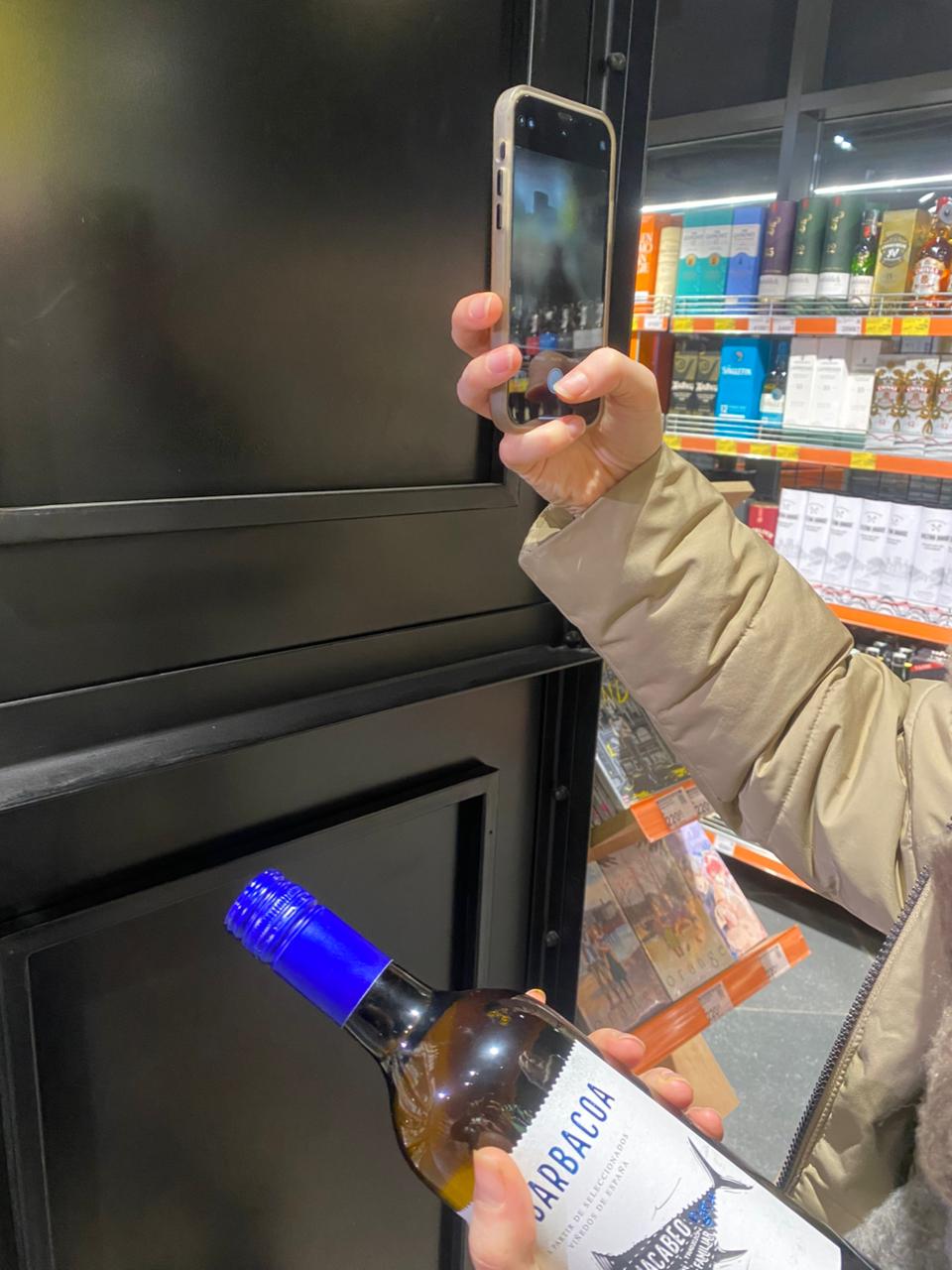
In winery
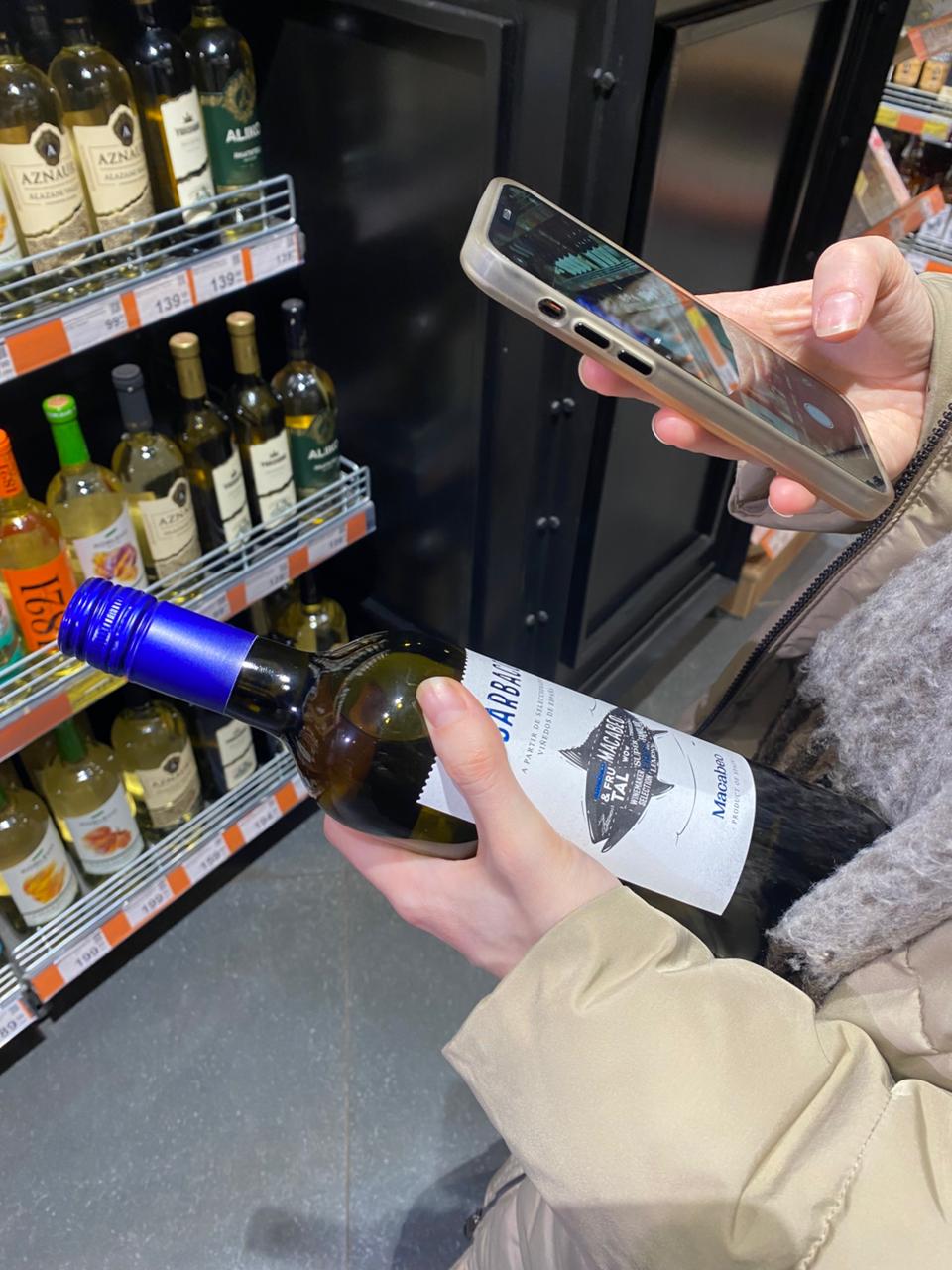
Bottle scanning
Selected user flow
We choose first option with AI assistant in parcel since clients are already loyal and it is easier to implement then Bottle scanning option. User orders a bottle of wine → Scans the QR code on the label → Lands in the AI Sommelier experience → There, they can:
chat about flavor profiles and pairings
learn the winery’s story
explore other wines from the brand
or even reorder via the “virtual wine cellar”
My role
Product Designer, AI developer, PM, QA.
Design process
Before the first client meeting, I tested different prototyping tools: Play, Bolt, Lovable, v0, Replit. I ended up choosing Replit, because it was the only one that clearly showed why the OpenAI API wasn’t connecting.
The process wasn’t a classic Double Diamond — we were moving fast. Сlients are experts in the wine industry, so we worked collaboratively: I proposed solutions, and they added the technical layer. We aligned on the business model, defined the main user flows, and started prototyping.
First, I designed the main screens in Figma, got them approved, and moved straight into code.
Then I switched to vibecoding to test changes faster. But later I realized it was a mistake — without intermediate alignment in Figma, the code started to “grow wild,” and the AI began to confuse itself, making scaling impossible.
Key Design Decisions
Removed sign-up. Users enter through a simple user ID → faster onboarding, less friction.
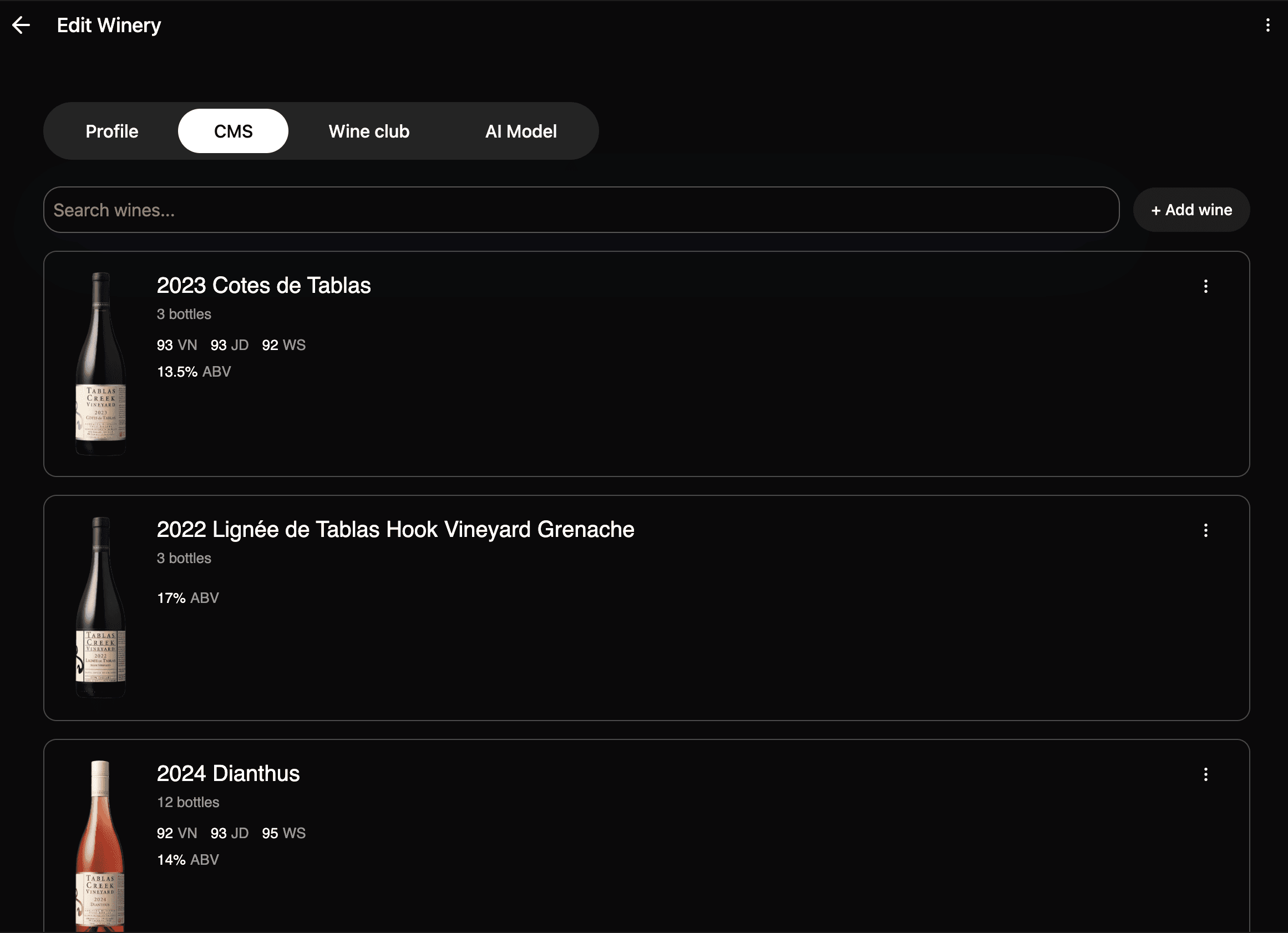
Added an admin panel. Clients can customize pitches for different wineries.
Built a virtual wine cellar. Lets users revisit past purchases and easily reorder.
Obstacles & Breakthroughs
1️⃣ Browser audio restrictions
Browsers block autoplay, which broke our “AI talks like your friend on the phone” concept. After exploring three options, I found a workaround using Media Engagement Index — if users interact enough with the site, the browser allows autoplay. We redesigned the UX to encourage small interactions, raised the index, and… it worked!
2️⃣ Product photos with white backgrounds
Most wine photos come with plain white backgrounds — not great for a dark theme. I integrated Cloudinary with automatic background removal. Now all product images blend perfectly without manual edits.
Results
Built the MVP in 2.5 months, from concept to launch.
Clients are now pitching it to wineries.
They have full admin access and can customize content without me.
Learnings
Don’t jump into “vibe-coding” before all flows are locked in Figma.
Deleting messy code takes longer than adjusting layouts in a mockup.
It’s better to cycle through Figma → prototype → iterate → back to Figma — it keeps the process clean and structured.